Explore the power station
Open Joltzu World
The public World URL is TBD. Once announced, open the confirmed site and choose its /play view. The screenshots preview the development interface; public access is not established by this guide.
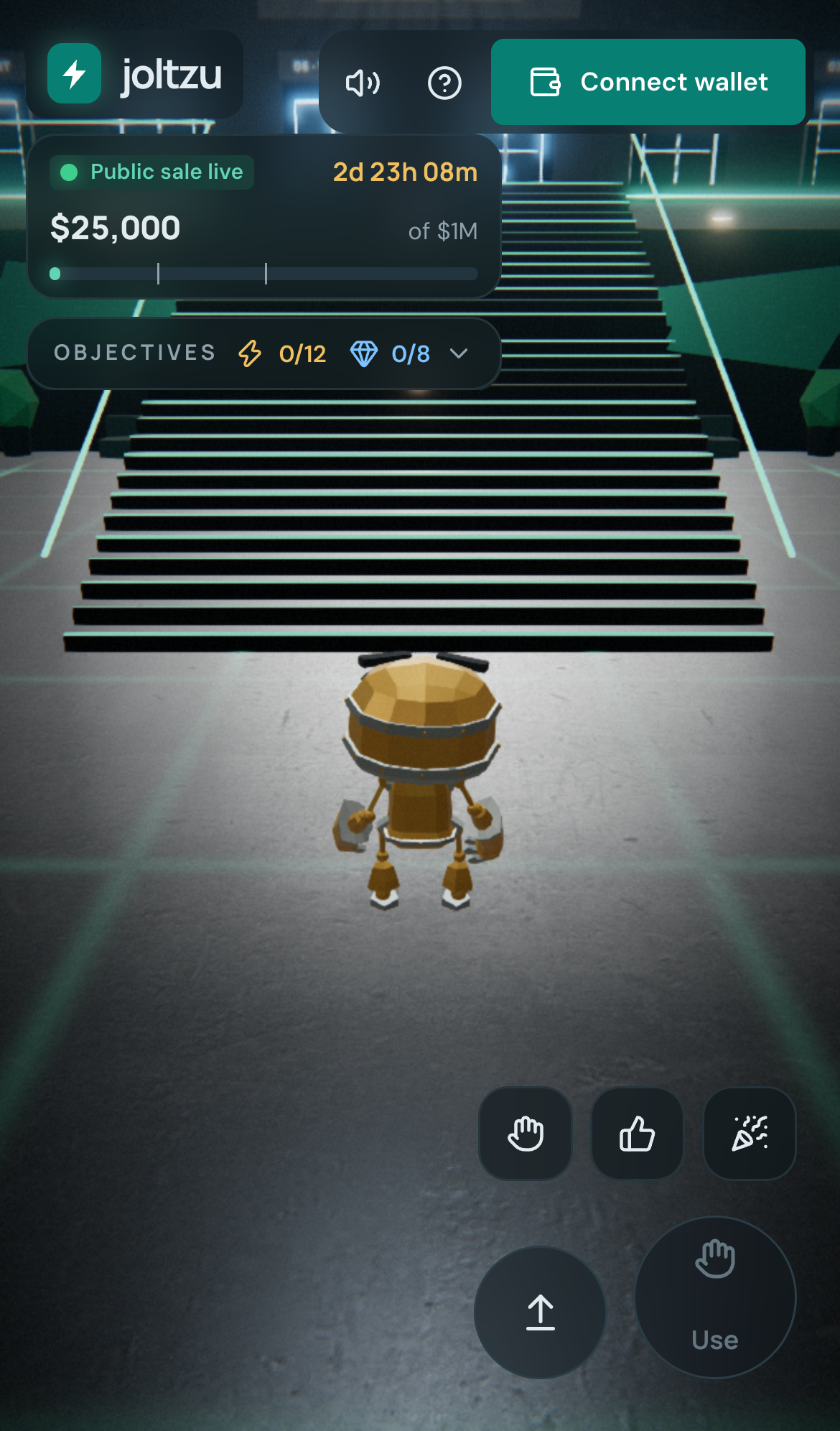
Choose single player or multiplayer on the start screen. Multiplayer halls have up to ten seats, with server-assigned callsigns, coloured robots and emotes. The ? menu changes play mode and explains controls.
Controls
| Action | Desktop | Touch |
|---|---|---|
| Move | WASD or arrow keys | Left joystick |
| Look | Drag | Drag on the right |
| Jump | Space | Jump button |
| Interact | E near a terminal or cabinet | Use button |
| Camera distance | Mouse wheel | On-screen camera controls where offered |
| Walk | Shift | Joystick movement |
| Emote | 1, 2, 3 | Emote buttons |
| Chat | T | Chat panel |
Buy through the reactor console
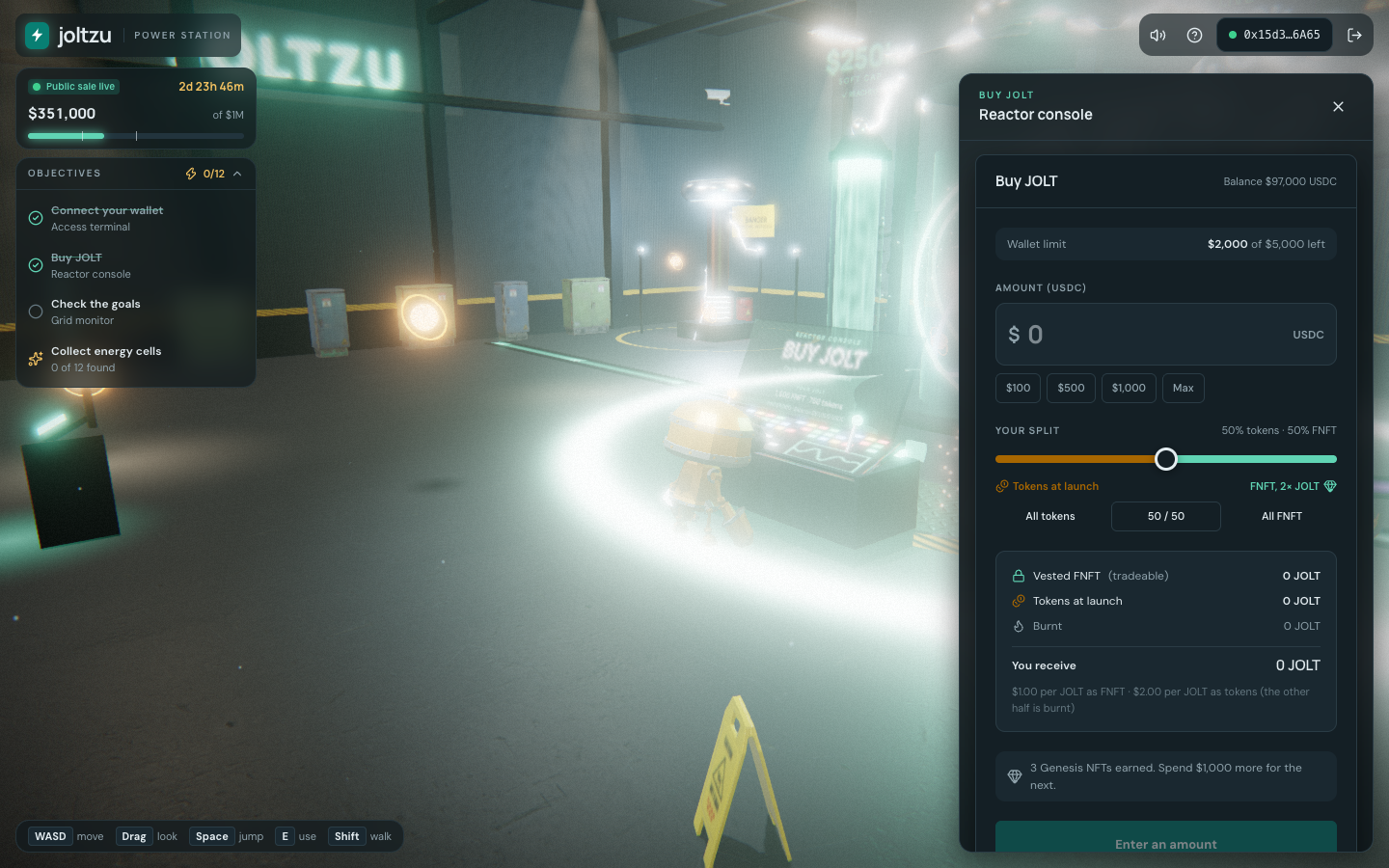
- Connect an EVM signing wallet at the access terminal.
- Travel to Buy JOLT using the objectives list or walk to the reactor console.
- Set your USDC amount and FNFT/liquid split in the shared purchase panel.
- Check the phase, allowance, wallet cap, chain and deployed contract. Review the wallet's approval and purchase requests.
- Wait for the confirmed transaction before treating the allocation as recorded.
Multiplayer chat
Players connect to the lobby rather than directly to each other; it does not distribute wallet details. Hall and Global chat remove links and addresses, limit sending and let you mute players. A pinned notice explains that Joltzu does not ask for funds in chat. Purchases remain wallet transactions outside the chat system.